Alarm.com - Adding a login to your account
1) Go to www.alarm.com and log into your account.
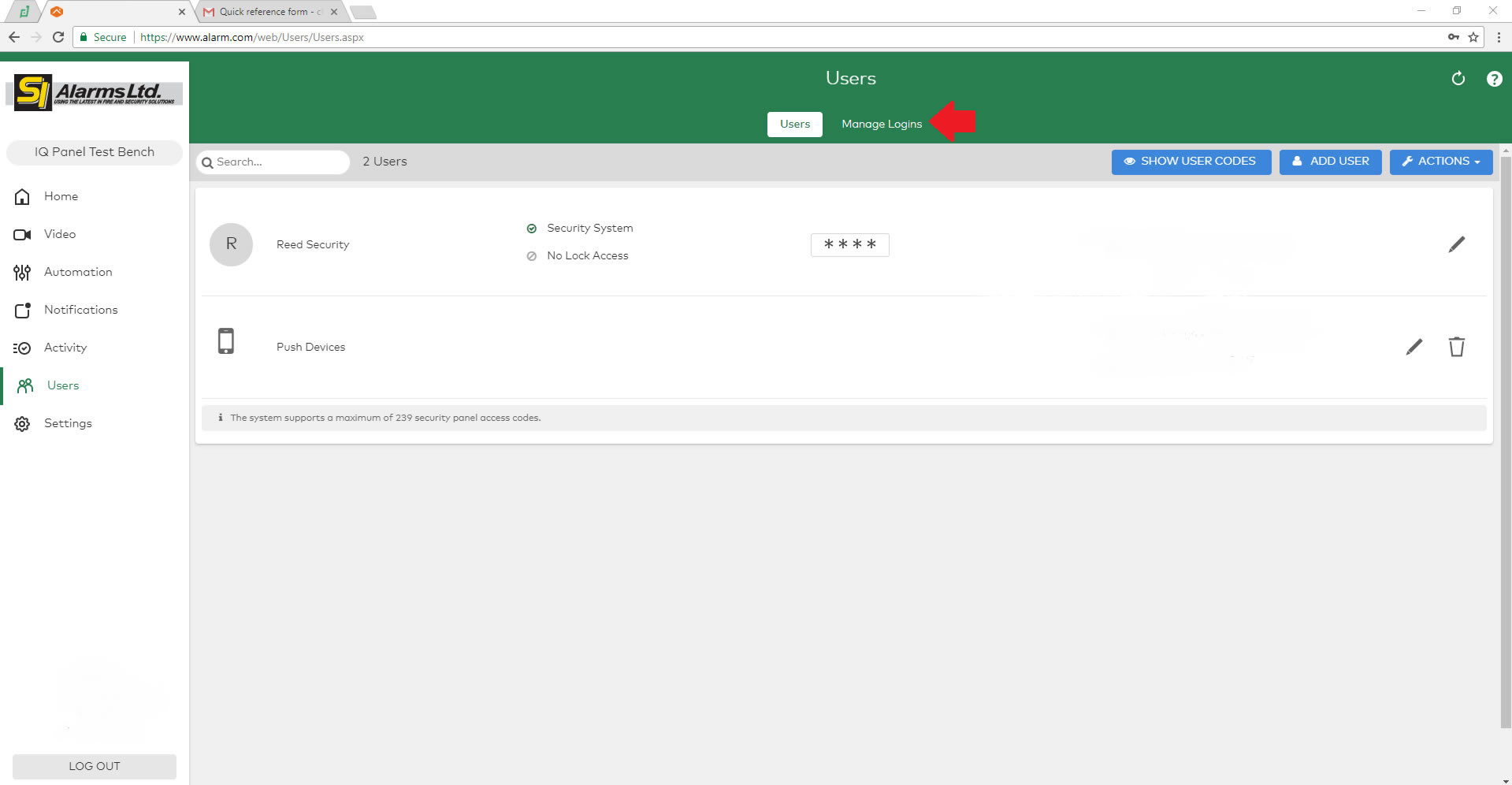
2) Click on Users.

3) Click on Manage Logins.
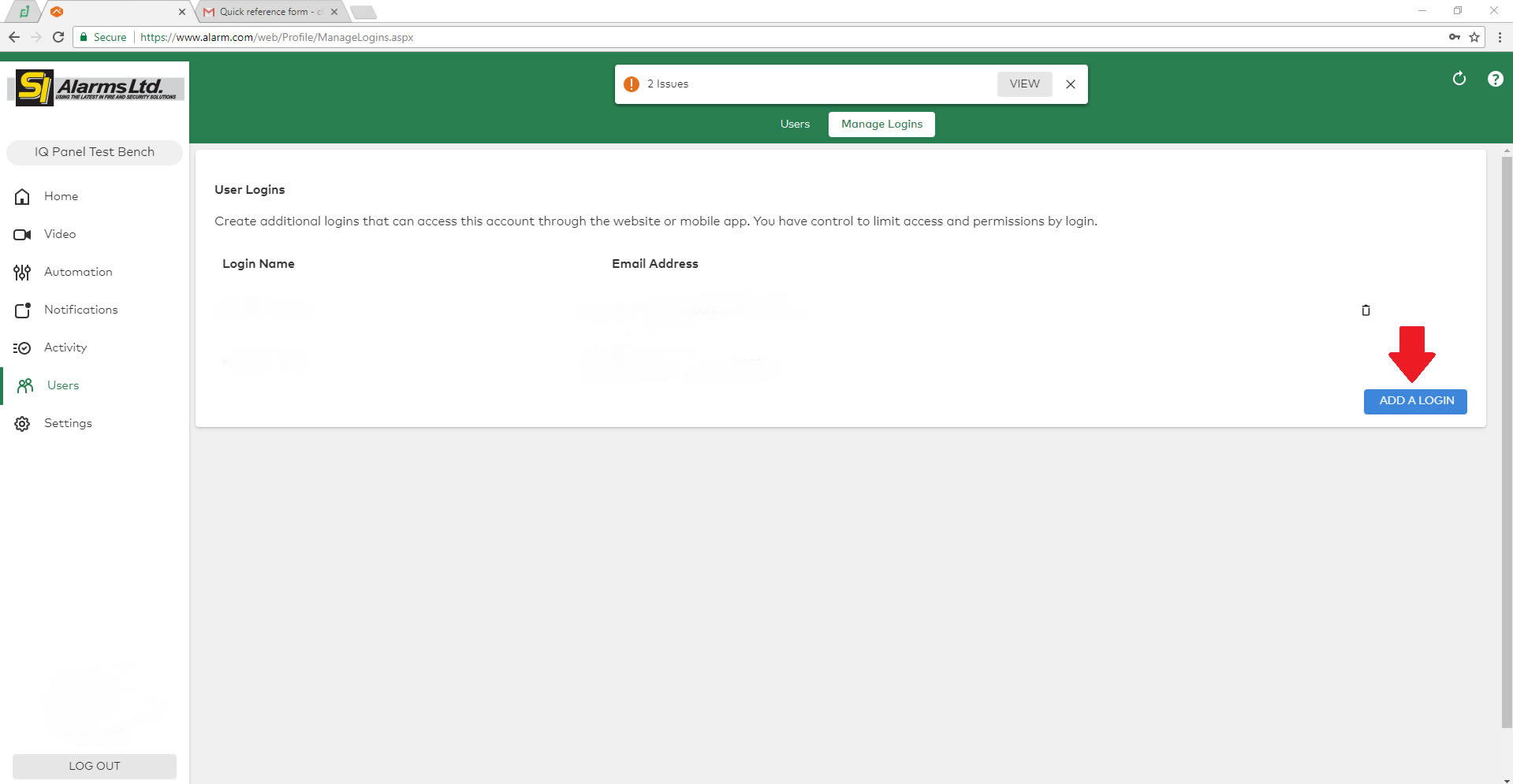
4) Click on Add a Login.
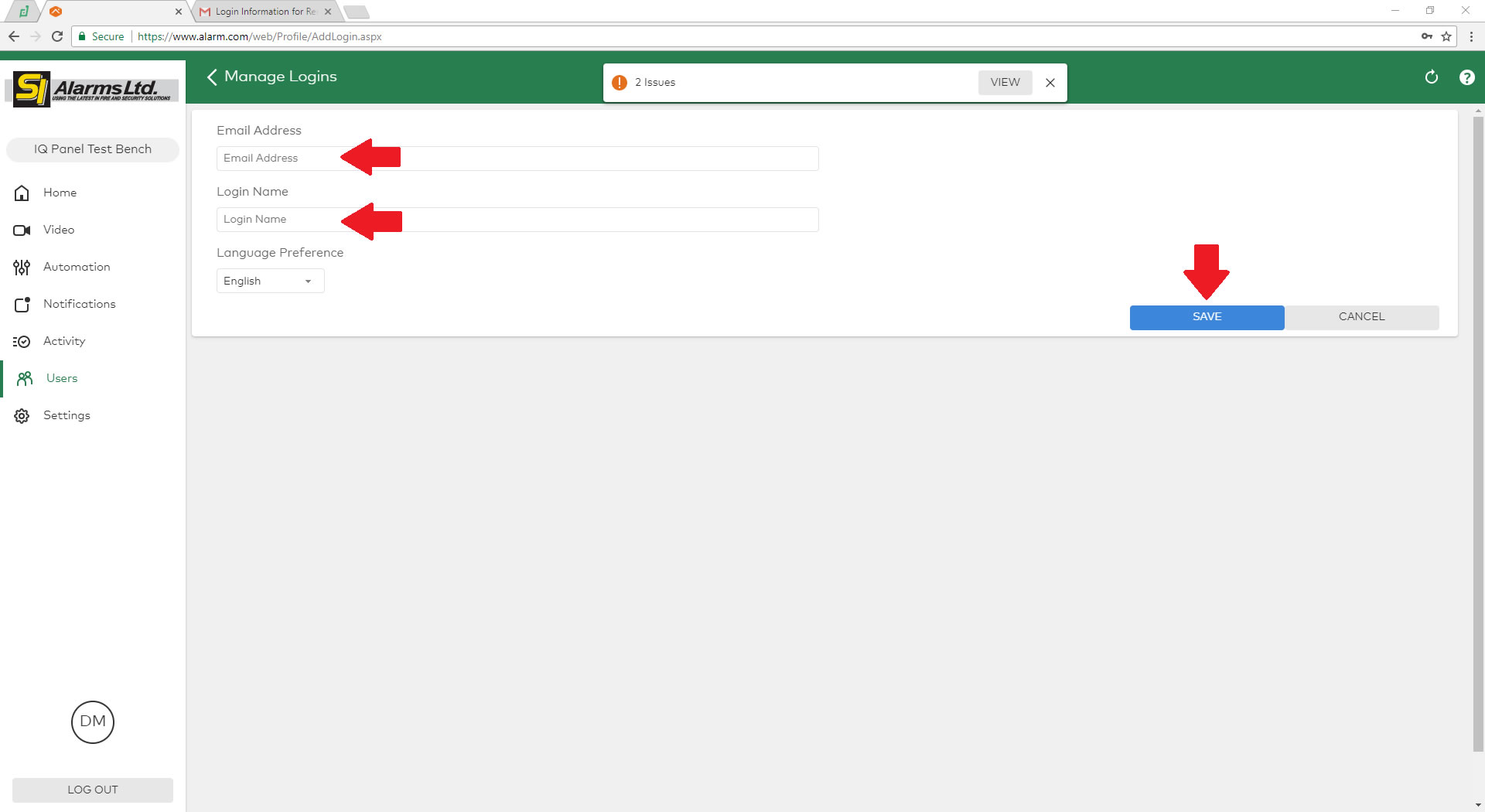
5) Enter in the email of the owner you are creating the login for, Also Give them a username.
6) Click Save.
7) Select what level of access you want this profile to have on the account.

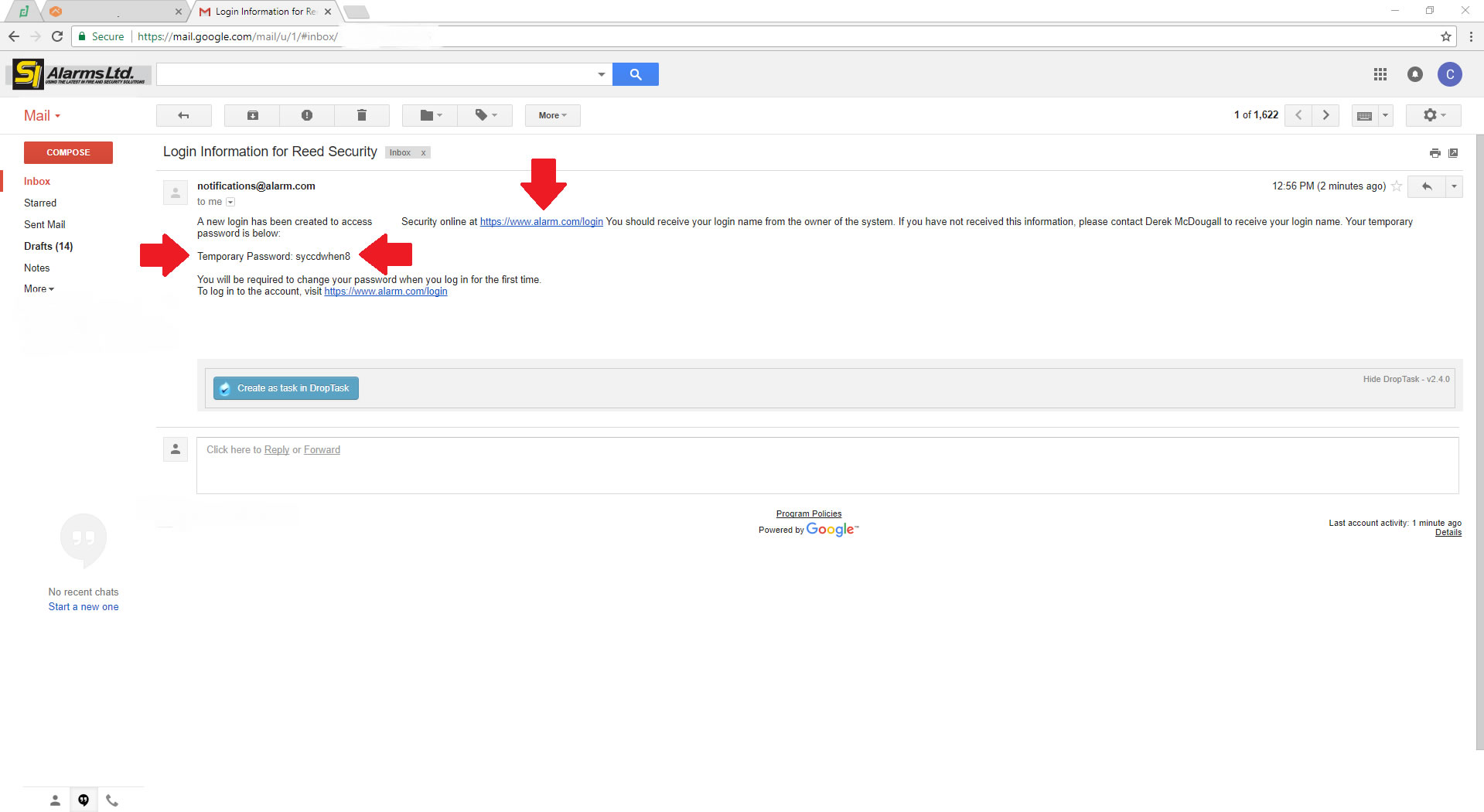
8) Open the email that was sent to the email address you entered.